- Cluing
- Posts
- 🎭 Google wants you to get lost
🎭 Google wants you to get lost
I’ll help you find your way back

Gordana from Collabwriting
February 28, 2025
I was shocked when I start researching how many people have 30+ browser tabs open daily. 🤯
Seriously, I thought I was the only one drowning in tabs until I saw this:



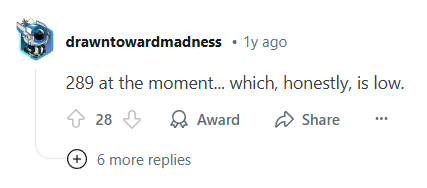
289 ??? 🫨🫨🫨
And guess what?
You’re probably guilty too.
Right now, as you read this, I bet there’s a chaotic lineup of tabs lurking behind this email. 🤭
Lost focus? Overwhelmed?
Same.
I’ve been there - for YEARS.
But the good news is that TABXIETY is real… and it’s CURABLE.

The endless tab collection - What’s going on?
Let’s diagnose the problem first. 🩺
Here’s why your tab bar looks like a rainbow gone wrong:
“I’ll need this later… maybe” (Spoiler: You won’t).
Fear of losing that one crucial link (RIP, forgotten tab #47).
Multitasking madness (Spoiler #2: Your brain hates it).
Research rabbit holes (One article leads to 20 tabs… and zero progress).
Admit to yourself:
Tabs are terrible at helping you remember.
The cure? Fewer tabs, smarter saving 🧠
Generic advice?
“Just close them!”
Cool, thanks, I’m cured.
But the truth is:
You need a system that does the remembering for you - so you can focus!
Imagine this…
You’re deep in research mode, diving into AI’s role in content marketing (because, of course, you are).
One tab leads to another... then another... before you know it, 37 tabs are staring back at you. 👀
Your browser slows. Your brain screams. Where was that great stat again? 📊
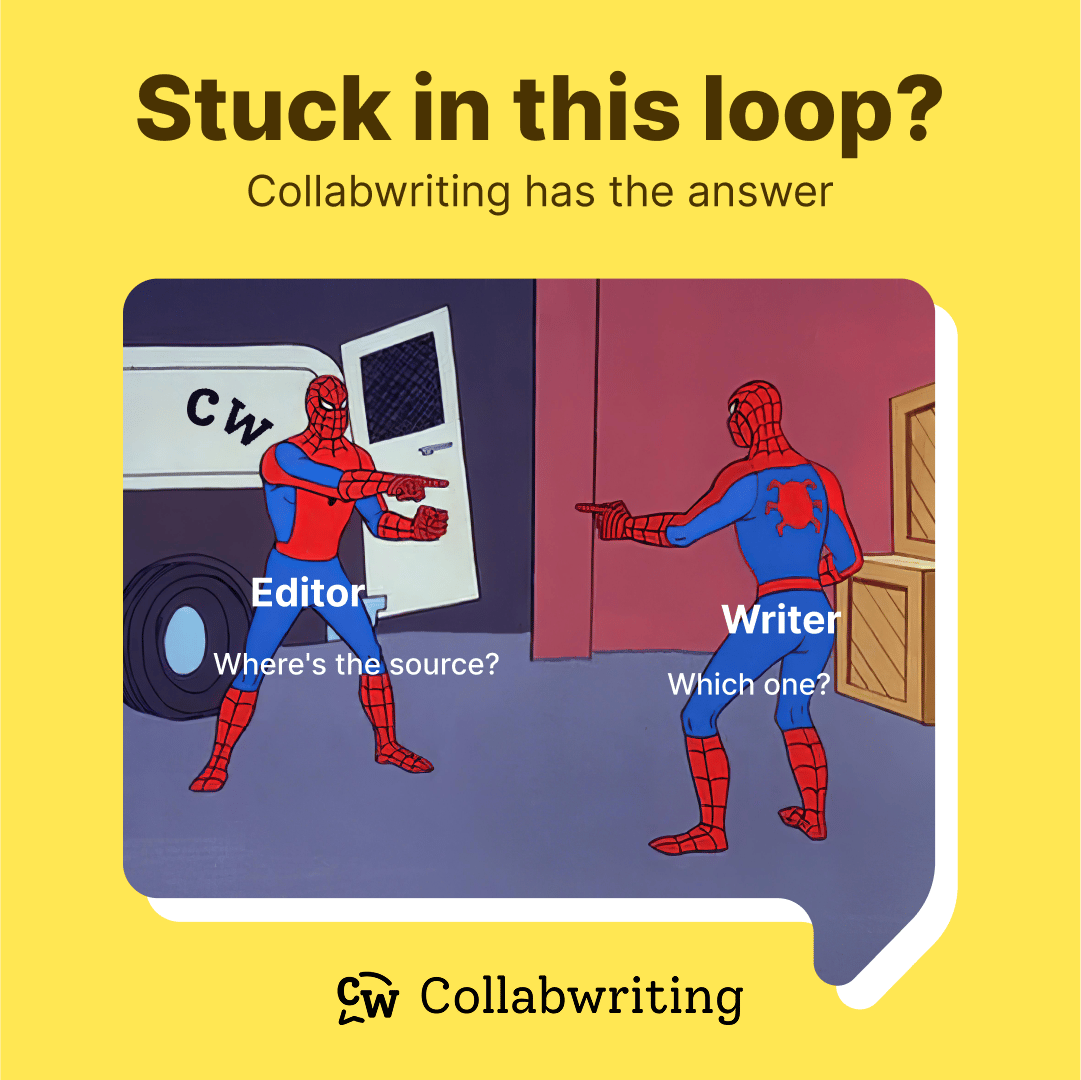
Here’s (proven) solution
✨ Create a Collabwriting topic - let’s say “AI Content Marketing Trends 2025”
✨ Found something useful? Highlight the key info and hit “Enter” (one click - done ✔️)
✨ Close the tab. Breathe. Repeat. ♻️
By the end, your dashboard isn’t a graveyard of open tabs - it’s a curated hub of everything you saved:
Tagged for easy reference.
Searchable when you need it.
Comment-ready for quick insights.
Collaborator-friendly because great ideas deserve to be shared.
Why Collabwriting works for all you tab hoarders
Highlight & Save: Instantly rescue gems from any webpage, PDF, YouTube.
Organize painlessly: Add notes, tags, or invite your team to collaborate.
Find anything in seconds: No more “Wait, which tab was that?”
No more digital déjà vu - “Did I save this already?”
With Collabwriting, your research stays organized, your tabs stay closed, and your brain stays sane. 🎉
Your homework (Yes, really) 📃
Next time you’re lost in tabs, pause.
Ask yourself:
“Will this tab move me forward, or just clutter my focus?”
Save what matters. Close the rest. Let Collabwriting be your external brain.
And hey - if you’re still skeptical, just try it once. Your future self (and your laptop’s RAM) will thank you.
Hungry for more insights? 🤓
There you go:
💭 26 powerful critical thinking quotes
📽️ Content marketing insights from LinkedIn
🤥 An illustrated guide to the 4 types of liars + Bonus test
If you come across an article, picture, meme, or anything else you think is useful, don’t hesitate to share it with us.
We’d be happy to include it in our next newsletter! 💗
📩 Reach out at: [email protected]
Still here?
How many tabs do you have open right now? …Go ahead, I’ll wait. 😉
Until next time,
Gordana
Community Manager @ Collabwriting