- Cluing
- Posts
- How I escaped Google Sheets chaos
How I escaped Google Sheets chaos
and how you can too 📃

Gordana from Collabwriting
May 23, 2025
So, the other day, I found myself digging through some really old Google Sheets - I’m talking 4 or 5 years old, from my freelancing days.
I got curious and decided to see what was in there. I clicked. And… yikes. 😬
There it was:
Column A: Anchor text
Column B: Link
Column C: Blog title
Column D: A quick note like “could go here”
As I scrolled through, I kept thinking: “Who even added all this - and what was the point?” (Might’ve been me 😅)
Why this link?
Why that anchor?
Has it been used before?
Everything was there - except the context.
Back then, this was my ‘‘system’’ for internal linking.
Simple? Sure - until messages like these started popping up:
Hey, were you talking about this part or another one?
Can you show me where you used this anchor before?
Did you check if this fits with our SEO goals?
Now I realize that what seemed simple back then quickly turned into a messy back-and-forth. 🏓
Google Sheets: A “Simple Fix” That’s Not So Simple
At first, using Google Sheets for internal linking seems like an easy solution.
But honestly, it surprises me how many content teams still rely on these outdated methods - even though better, easier ways exist that actually keep context intact.
Maybe this sounds like your current setup:
Adding color codes and hoping everyone knows what they mean.
Leaving vague comments in the margins like “could fit here?”
Creating separate tabs for every blog post - which sounds organized… until you’re drowning in 20+ tabs.
Or simply dropping links with no explanation, then disappearing.
Some try fancier tools, but the problem remains:
A Notion database with 50 tags… but no actual guidance.
A shared Word doc with scattered suggestions.
A Slack thread that’s 90% 🎉 and 10% links.
An Airtable with filters and views - but no shared understanding.
At first glance, it feels like it’s working - the info’s all technically there. But once the team grows or the project scales, chaos creeps in.
❌ Random anchors. ❌ Duplicate links. ❌ Zero strategy.
(Fun fact: A broken internal link is like a ’’Closed’’ sign for Google’s crawlers.)
So, why are simple tasks still so complicated for content teams?
Maybe because changing old habits feels harder than just putting up with the mess.
Maybe because ‘‘good enough’’ often wins over ‘‘actually great.’’
But imagine if:
Links stay exactly where you add them - no more hunting through random folders or tabs.
Anchors come with clear purpose and SEO insights - so you know exactly why they matter.
Context travels with your notes - never getting lost in Slack threads.
We can do better.
You can do better.
And it doesn’t have to be a heavy lift. 😉
You’ll see how.
Research Doesn’t Have to Suck
Remember those Google Sheets I mentioned?
Just thinking about them still stresses me out. 🤯
The endless digging.
The frantic Slack pings 🔔 “Wait, which link was for the stats about AI content?”
The guilt of reusing the same generic anchor text because who has time to cross-reference 12 tabs?
But what if it didn’t have to be this way?
What if instead of…
❌ Sending spreadsheets that create more questions than answers…
❌ Leaving your team guessing what you meant with comments like: See Column D, maybe?
❌ Spending hours trying to piece together context lost somewhere in Slack.
…you could share:
✅ The exact sentence that matters.
✅ A one-line “why” so everyone’s on the same page (“This stat backs up our point about AI vs. human creativity”).
✅ The original source - stuck right to your note, forever.
This isn’t some dream - it’s exactly how I use Collabwriting now.
I highlight the exact part that matters
Leave a quick note so everyone gets the why
Tag collaborators right under the snippet
They see exactly where the info came from - no digging needed
Later, I group all insights by topic, with everything in one place (original source + comments + tags)
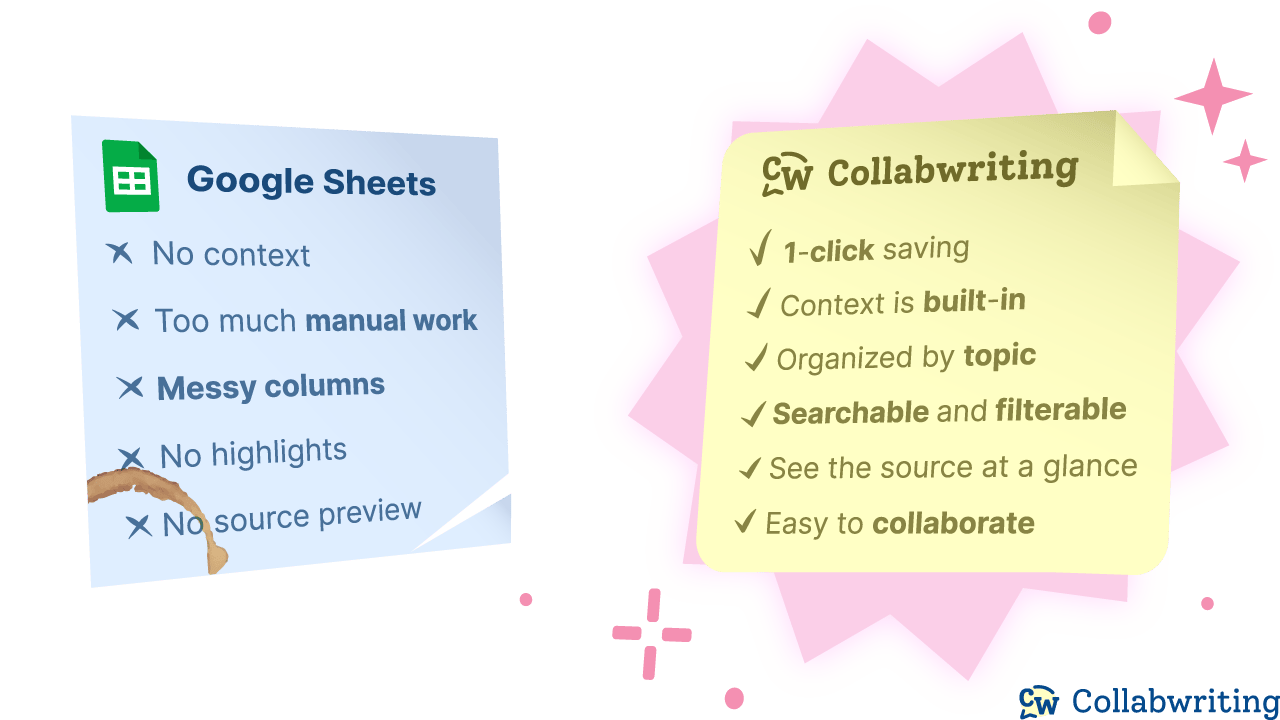
No more spreadsheets that feel like IKEA instructions.
Enough With The Mess - Let’s Make Research Easy 📃
You don’t need to change your whole system or open even more tabs.
Just start with one small step.
Losing ideas, context, or precious time because of clunky tools isn’t an option.
Find one thing you’ve been looking for - a link, a quote, or a stat - and save it with a quick note about why it matters. Give it a simple spot where you and your team can easily find it later.
That’s exactly what I did. And honestly? It made all the difference.
Here’s a sneak peek at some of my research:
Take a look, get inspired, and see how simple it can be to keep everything organized.
Ready to start saving your own insights?
If you come across an article, picture, meme, or anything else you think is worth sharing, feel free to send it my way.
I might include it in the next newsletter! 💗
📩 Reach out at: [email protected]
If you made it to the end, you know what persistence looks like. 💯
Until next time,
Gordana
Community Manager @ Collabwriting
