- Cluing
- Posts
- How to finally beat tabxiety
How to finally beat tabxiety
...and breathe again 🧘🏼♀️

Gordana from Collabwriting
May 09, 2025
I’ve been there. 👋🏼
You open your browser, ready to tackle the day. You start with one tab… then another… and before you know it, you’ve got 15 open and no idea where to start.
It’s not just about tabs - it’s about your brain trying to process all of it at once.
Sound familiar?
This is what I call Tabxiety. 📑
It’s that feeling when your tabs take over, and you’re not even sure which one you need anymore. Or, worse, you’re too scared to close any of them.
So, let’s check where you stand on the Tabxiety Meter today.
And I’ll show you how I got it under control - without changing my whole routine or downloading five new apps. 😉
🧘🏼♀️ Zen mode - 3 tabs open
You’re calm. Focused. Nothing’s screaming for your attention.
You know exactly why each tab is open, and when you're done, you’ll close them without hesitation. 🌿
No distractions, no guilt. Just clean mental space and quiet confidence.
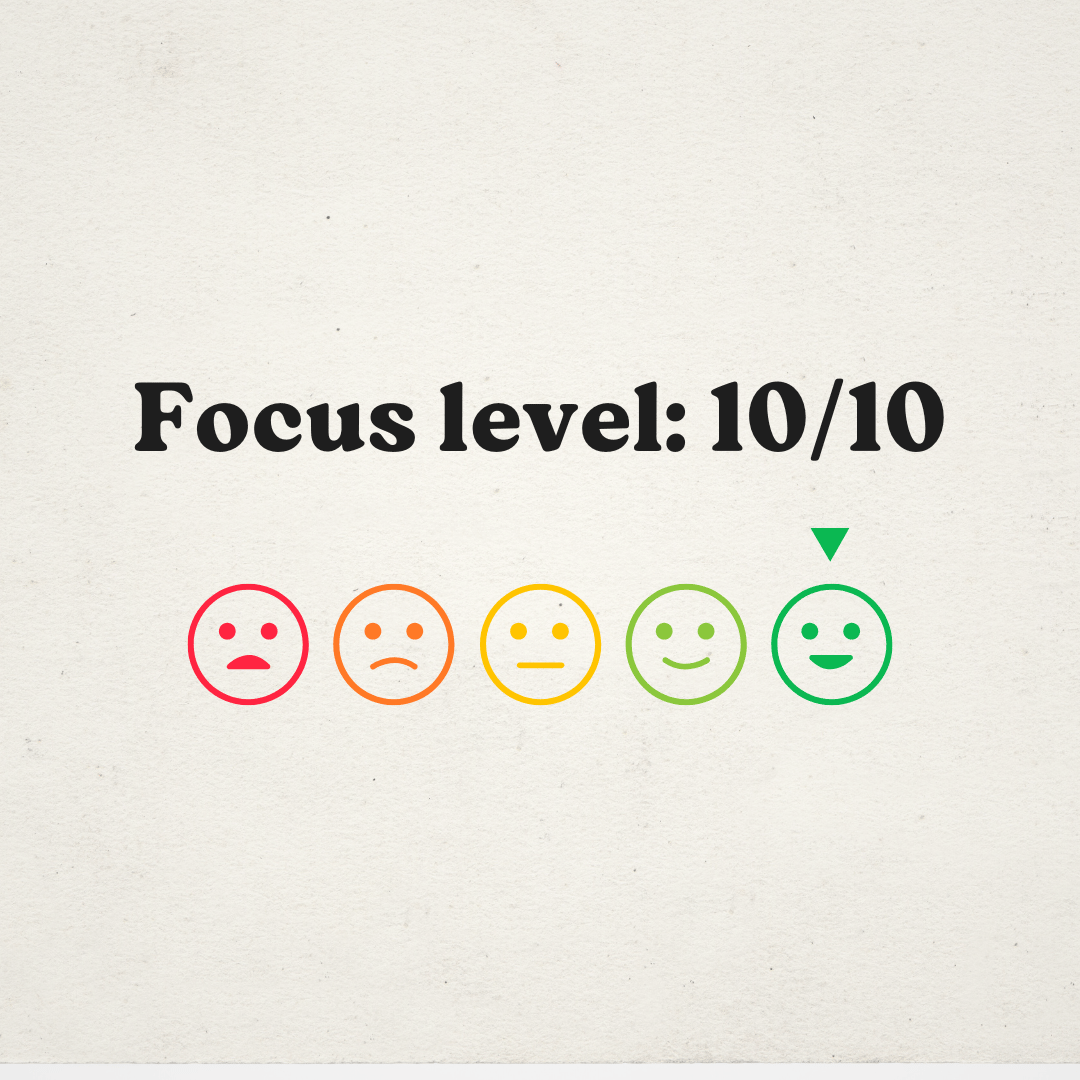
Your brain is actually breathing.
🤹🏼 Light juggling - 7 tabs open
You’ve got a few things going on, but it’s under control.
Maybe a work doc, a research article, a podcast in the background... you’re switching between them, but you’re still in the zone.
It’s like juggling tennis balls. Tricky, but doable.
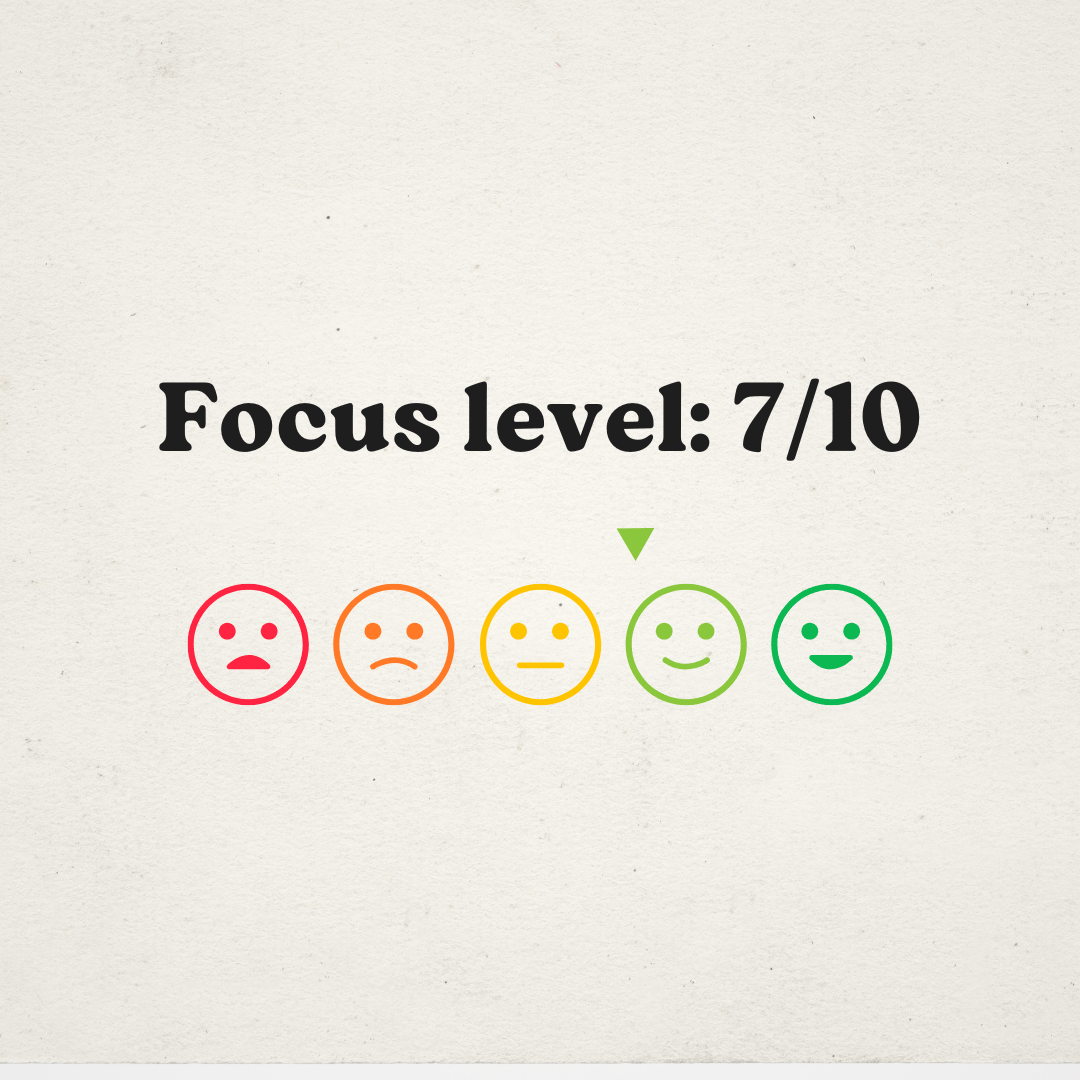
You might have to reread a paragraph or two, but hey - you’re still landing your ideas.
😬 The spiral begins - 12 tabs open
You clicked one interesting link… then another… then another.
Now you’re halfway through five different articles and can’t remember where you started.
You’re scanning more than you’re reading. Jumping between thoughts.
You’re starting to feel uneasy - like there’s something important you should be doing, but you can’t quite remember what.
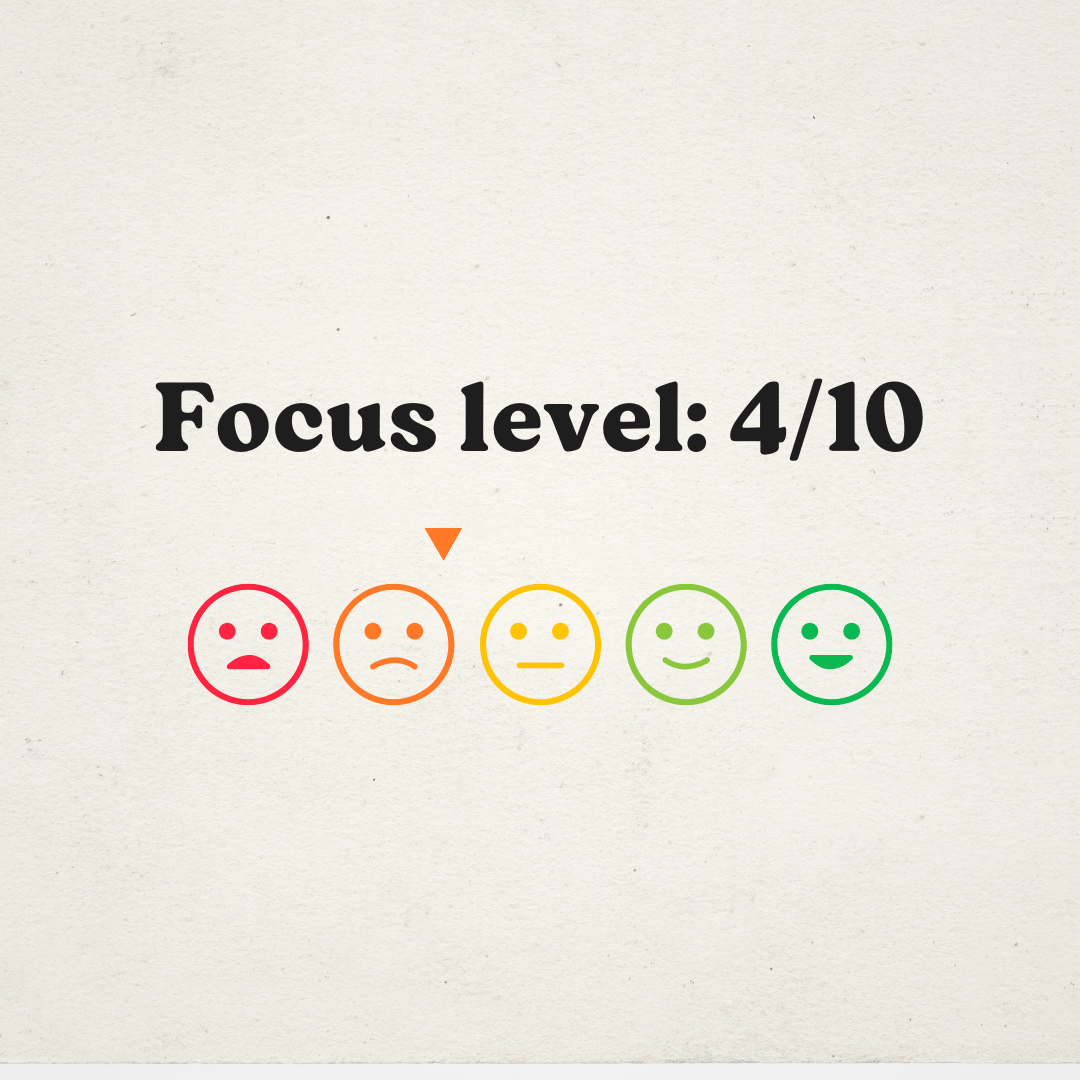
You haven’t lost control… yet. But it’s slipping.
🚨 Tabxiety mode - 20+ tabs open
You’re in deep.
Your browser is so crowded you can barely see what’s open. 🫥 You don’t even want to look at it anymore.
You tell yourself: “I’ll read this later” but you and I both know… later’s already crowded.
Every tab feels important, but none of them are helping you right now.
You want to close things, but you’re scared you’ll lose something valuable.
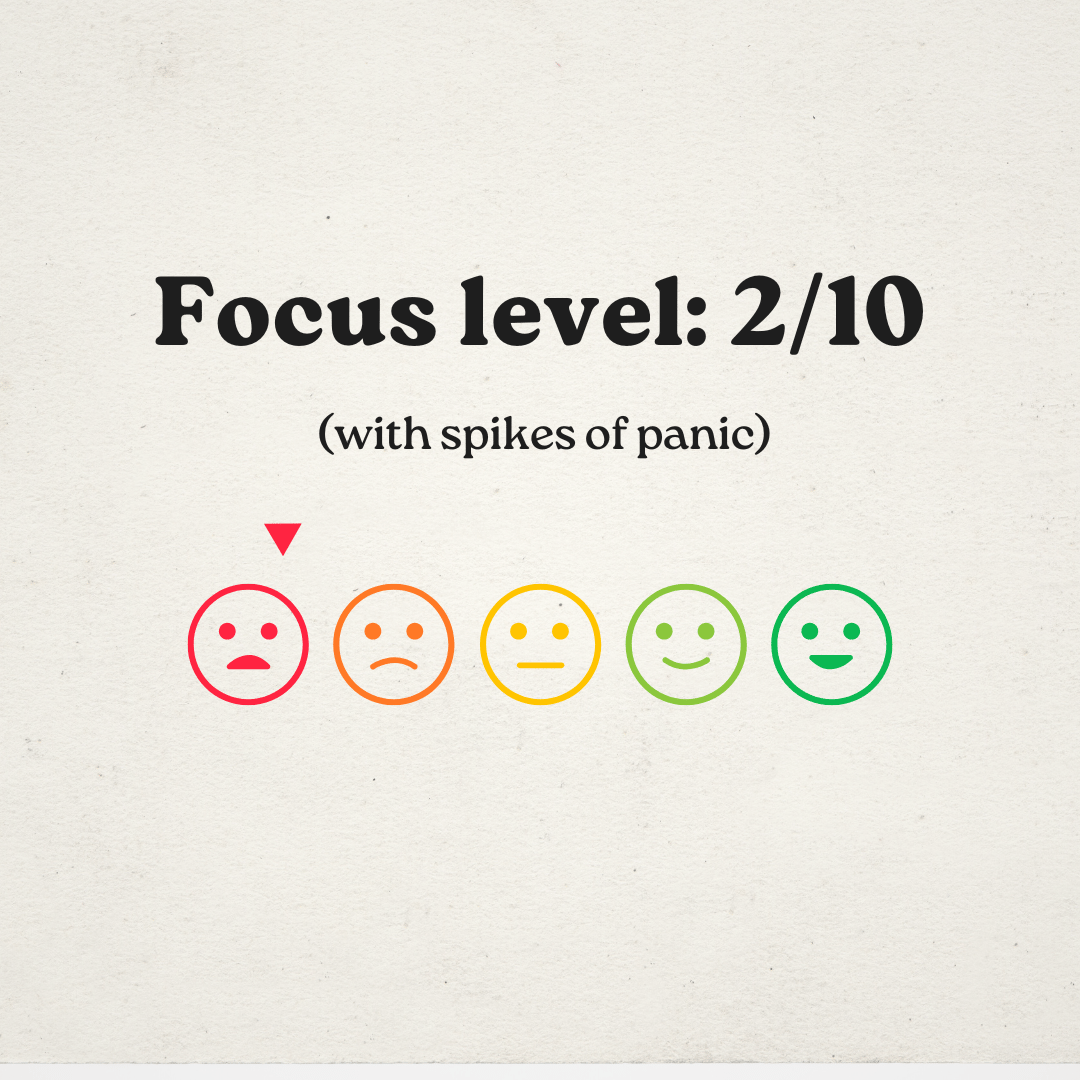
Welcome to digital limbo!
💥 Full breakdown - 35+ tabs, 3 YouTube videos, 2 PDFs
You’ve entered full cognitive chaos.
The tabs are a blur. One of them is probably playing music.
Your laptop fan sounds like it’s about to take off.
You can’t remember what you were researching - just that it felt urgent when you started.
Now it’s just noise.
And yet… you can’t close anything.
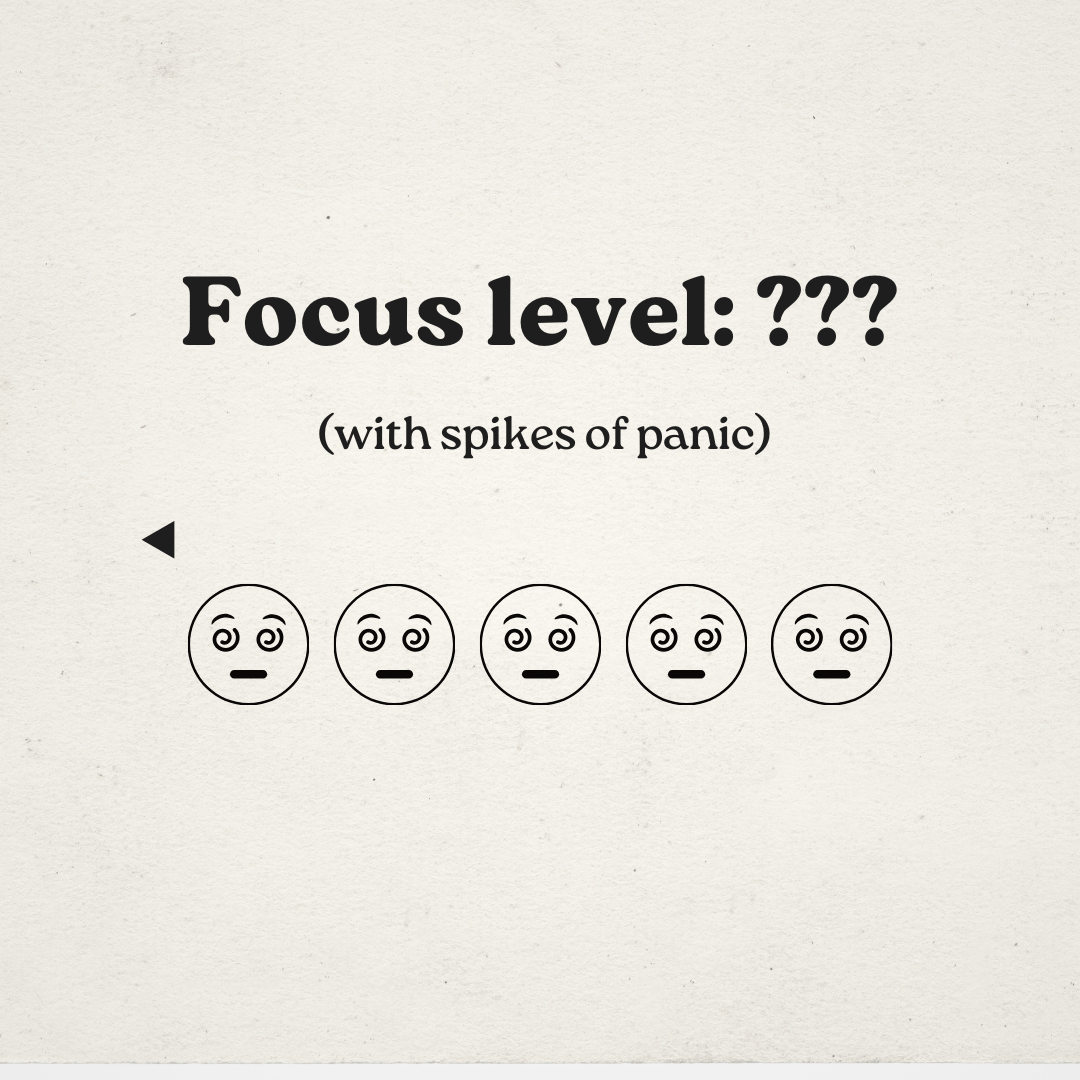
It’s not just your browser that’s overloaded - it’s your brain.
So, where are you at? How much control do you have over your tabs ⬇️
If your tabxiety level feels a little too high, you’re not alone.
I’ve been there too.
But the good news? You can do something about it. ✨
The trick isn’t to quit tabs completely - it’s to stop chasing all of them.
Start curating what actually matters
Keep the good stuff
Make it easy to find later
And let the rest go
It’s not about being super organized. It’s about giving your brain some breathing room - so you can focus without feeling overwhelmed. 🍀
What should be your next step?
Most people think their problem is “too many tabs.”
But the real problem is what’s hiding inside them:
📌 Articles you meant to read
📌 Ideas you didn’t want to lose
📌 Quotes you planned to use
📌 Resources you swore you’d get back to
It’s not that you’re lazy.
You’re trying to hold on to too much - in too many places.
I used to think I had a focus problem. Turns out, I just had a system problem.
Here’s what changed everything:
💫 I stopped letting inspiration vanish.
Whenever I saw something interesting, I didn’t leave it open “for later.”
I saved it on purpose - with a quick note about why it mattered.
🏠 I gave every idea a home.
Instead of scattered tabs, bookmarks, Notion dumps, and random screenshots...
I started clustering content by topic, project, or use case - all in one place.
That’s what Collabwriting helps me do.
I don’t chase tabs anymore. I capture what’s inside them.
So when it’s time to write, create, or share, I’m not starting from scratch.
I already have context, thoughts, and ideas waiting for me.
Want to stop drowning in tabs?
Start saving smarter. 🧠 Not just what you find, but why you saved it.
➜ That’s how you go from chaos to clarity.
➜ That’s how you turn content into action.
➜ That’s how you beat tabxiety.
And here’ how:
➜ Pick one tab you’ve had open for days.
➜ Save the key part to Collabwriting.
➜ Add a quick note: Why did this matter to me?
That’s it.
One small step ➜ less chaos, more clarity.
If you come across an article, picture, meme, or anything else you think is worth sharing, feel free to send it my way.
I might include it in the next newsletter! 💗
📩 Reach out at: [email protected]
If you made it to the end, you know what persistence looks like. 💯
Until next time,
Gordana
Community Manager @ Collabwriting
