- Cluing
- Posts
- LinkedIn now shows who saves and sends your posts, but it doesn’t show the full story
LinkedIn now shows who saves and sends your posts, but it doesn’t show the full story
Here’s what you can do about it

Gordana from Collabwriting
October 03, 2025
Everyone’s hyped about LinkedIn’s new Saves + Sends metrics.
And yes - it’s a big deal.
For years, LinkedIn research has shown us the “hidden buyer” problem: stakeholders who read your content, influence deals, but never engage publicly.
Now, with Saves + Sends visible in analytics, we finally have proof:
→ Saves = research mode
→ Sends = private conversations
Buyers have been there all along.
But here’s the catch: the Save button itself is still broken. ❌
The Gap Nobody’s Talking About
The idea behind “Save” is brilliant. The execution? Not so much.
Here’s how one person put it in the comments:
“Once you scroll past something, LinkedIn’s algorithm makes it almost impossible to find again. When you save it, it just goes into a bucket with no way to organise those posts. If they allowed tagging, it could be a game-changer.”
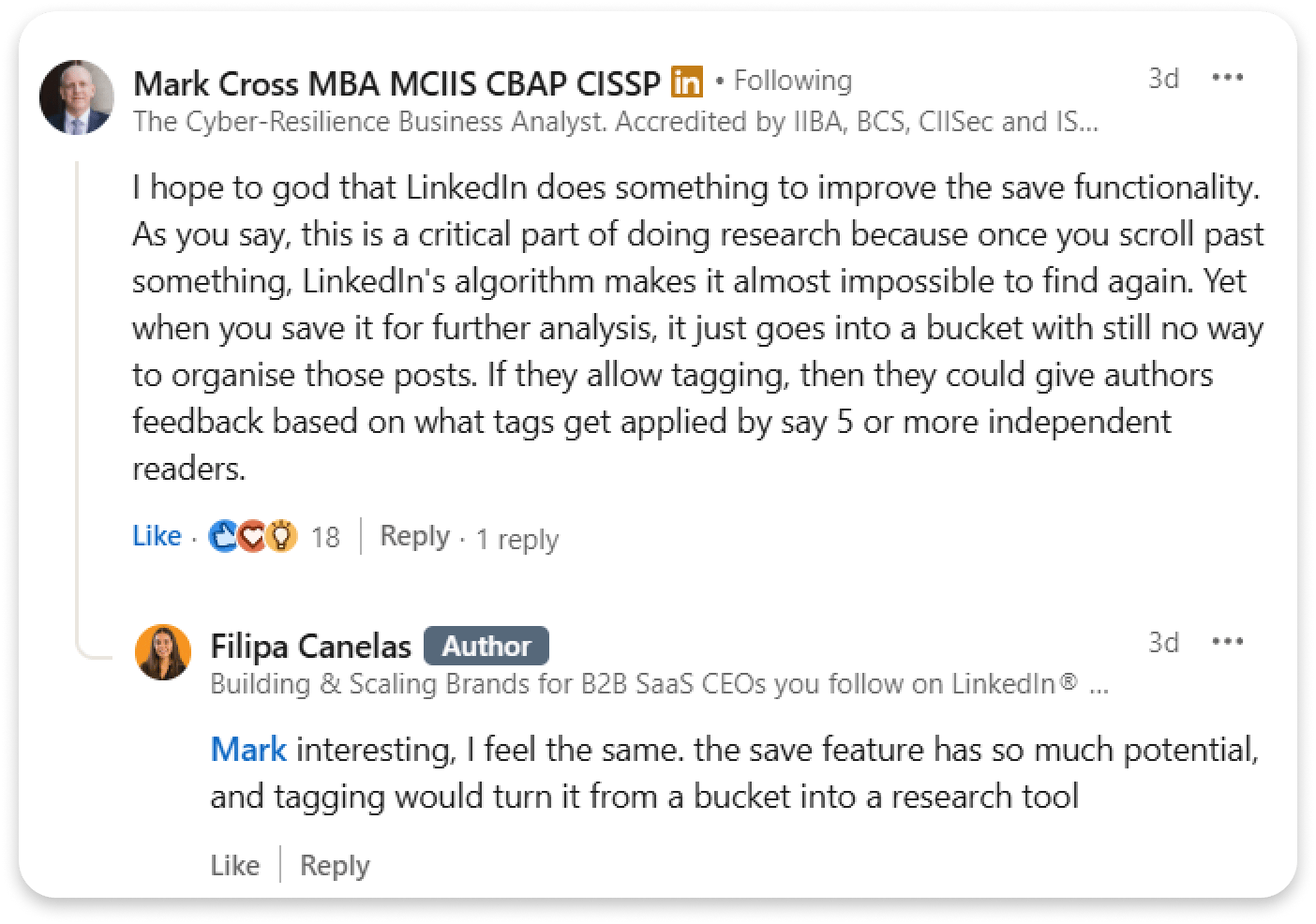
Source: Filipa Canelas, LinkedIn
And that’s the harsh truth:
You can’t add hashtags
You can’t group by topic
No context, no collaboration
If the post gets deleted, your save disappears too
All that hidden buyer activity? Still hard to act on.
When Saving Becomes a Research - How Collabwriting Makes It Work
The truth is, Collabwriting was never built to be just another “save” button.
We started from a research mindset.
Because saving for the sake of saving doesn’t help you.
Research needs structure. It needs a beginning and an end.
That’s why, when we built the Save+ button for platforms like LinkedIn, Reddit, Quora, or X, we didn’t stop at just saving.
We asked: What’s the actual purpose of saving?
The answer: transforming those “save for later” moments into insights that stay with you.
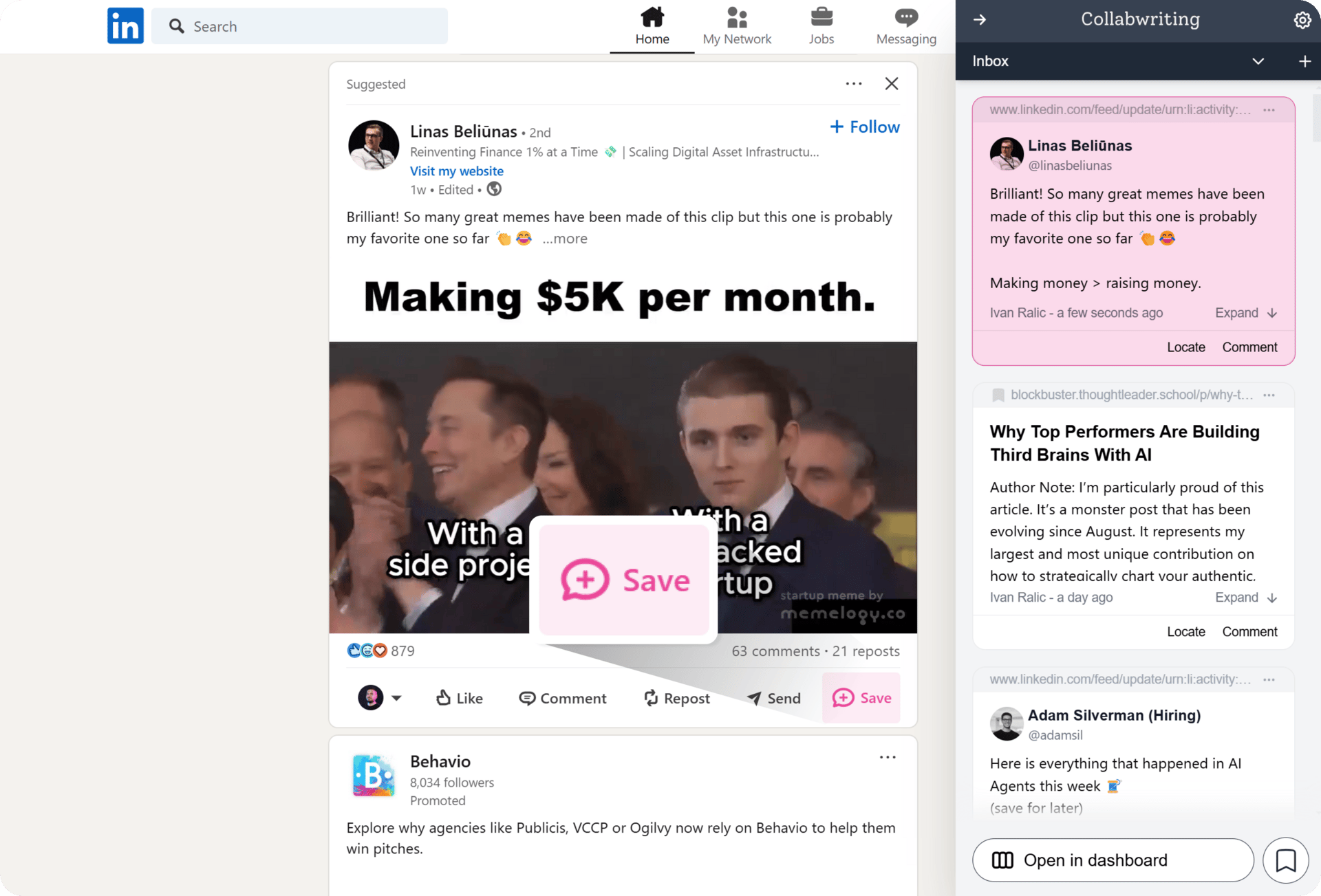
So we designed the process to feel complete:
✨ Quick Capture - the moment you see something valuable, you can save it instantly with our extension.
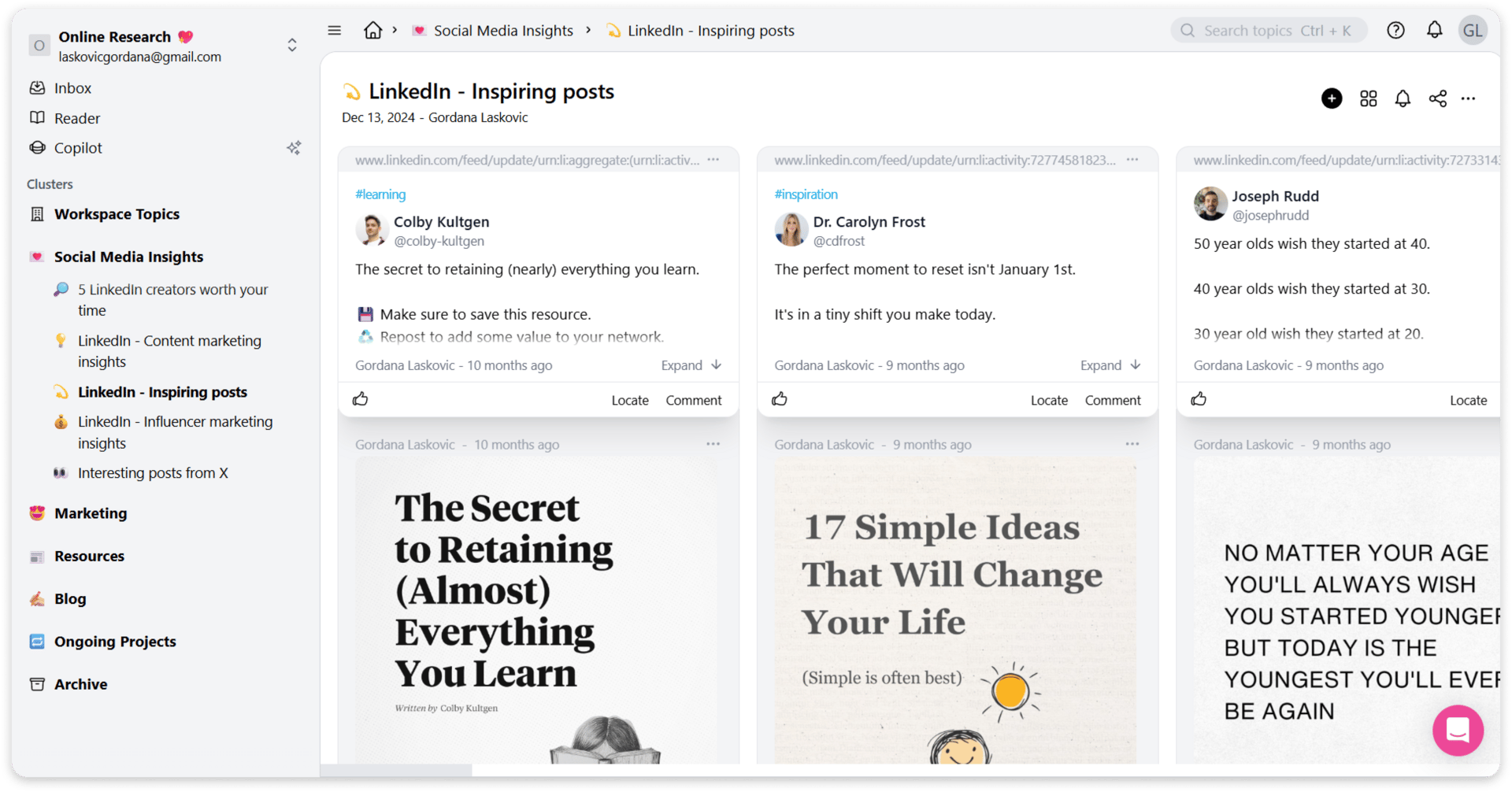
🔖Custom Tags - no more buckets; give your saves context with tags like #inspiration, #trends, #competitorwatch.
📂 Organized Storage - everything lives in Topics, so each campaign or research thread has its own space.
💭 Collaboration - anyone can comment, add thoughts, and build on the snippet with you.
Plus, your saved posts stay on your dashboard permanently, even if the author deletes the original post from the platform.
No half-measures.
No messy archives.
Just a research flow that makes sense from start to finish.
A Save Should Be The Beginning Of Insight, Not The End Of It
Most platforms treat “Save” like the end of the road. You click the button, and the trail goes cold.
We’ve always seen it differently. 👀
For us, saving is the first spark - the opening line of a story, not the closing one.
Because research doesn’t end when you click save. It actually begins.
That’s why Collabwriting takes every saved post, every snippet, and gives it the chance to grow into something more - an idea, a strategy, an insight worth acting on.
And that’s the difference between a button and a workflow.
See Collabwriting in Action
Curious how it all works in real life?
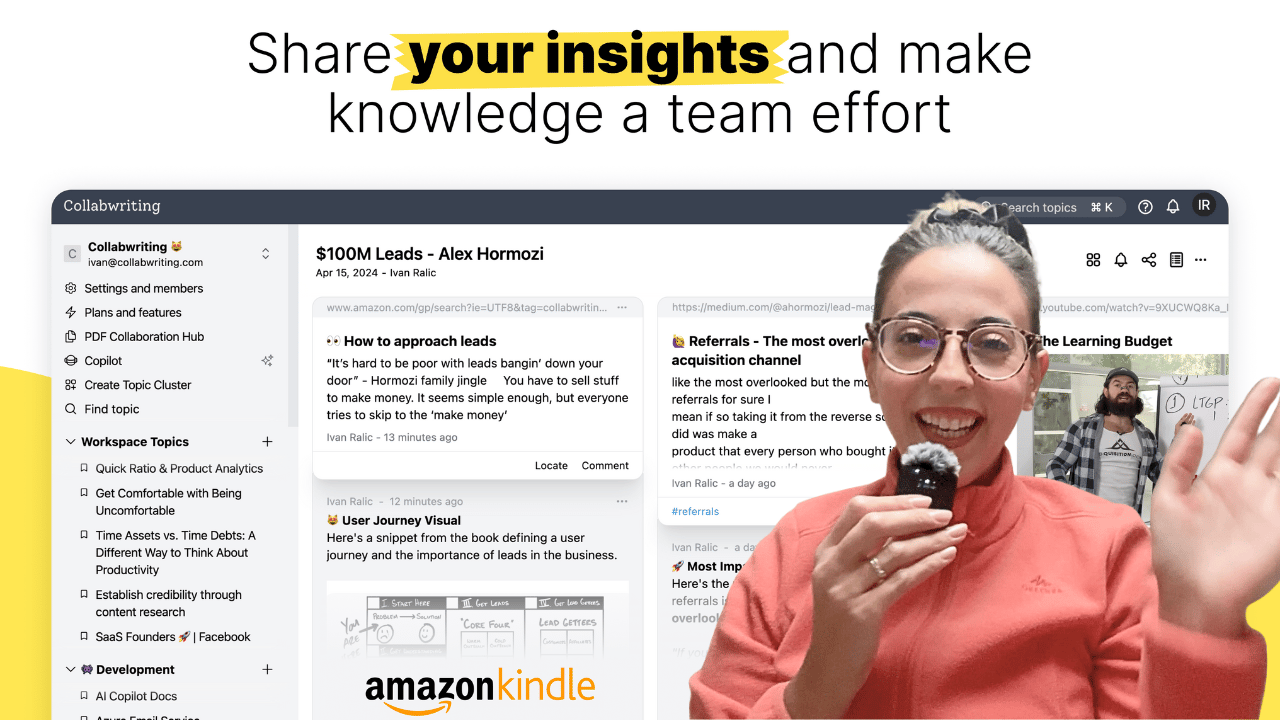
I made a quick walkthrough video showing how I use Collabwriting to save and organize insights I find, whether on web pages, PDFs, or social media platforms like LinkedIn and YouTube, and collaborate with my team.
If you come across an article, picture, meme, or anything else you think is worth sharing, feel free to send it my way. I might include it in the next newsletter! 💗
📩 Reach out at: [email protected]
And hey come join us on Reddit. 🎊
Until next time
Gordana
Community Manager @ Collabwriting
