- Cluing
- Posts
- 🎉 New Updates - Search PDFs, Manage Documents, Quick-Add Button and more...
🎉 New Updates - Search PDFs, Manage Documents, Quick-Add Button and more...
Check out the latest fixes and features ✨

Ivan from Collabwriting
June 03, 2025
Hey Collabwriting crew, it’s Ivan 👋🏼
The set of new features has just been deployed on all platforms so I wanted to share them with you.
Here’s a short video with a walkthrough 👇
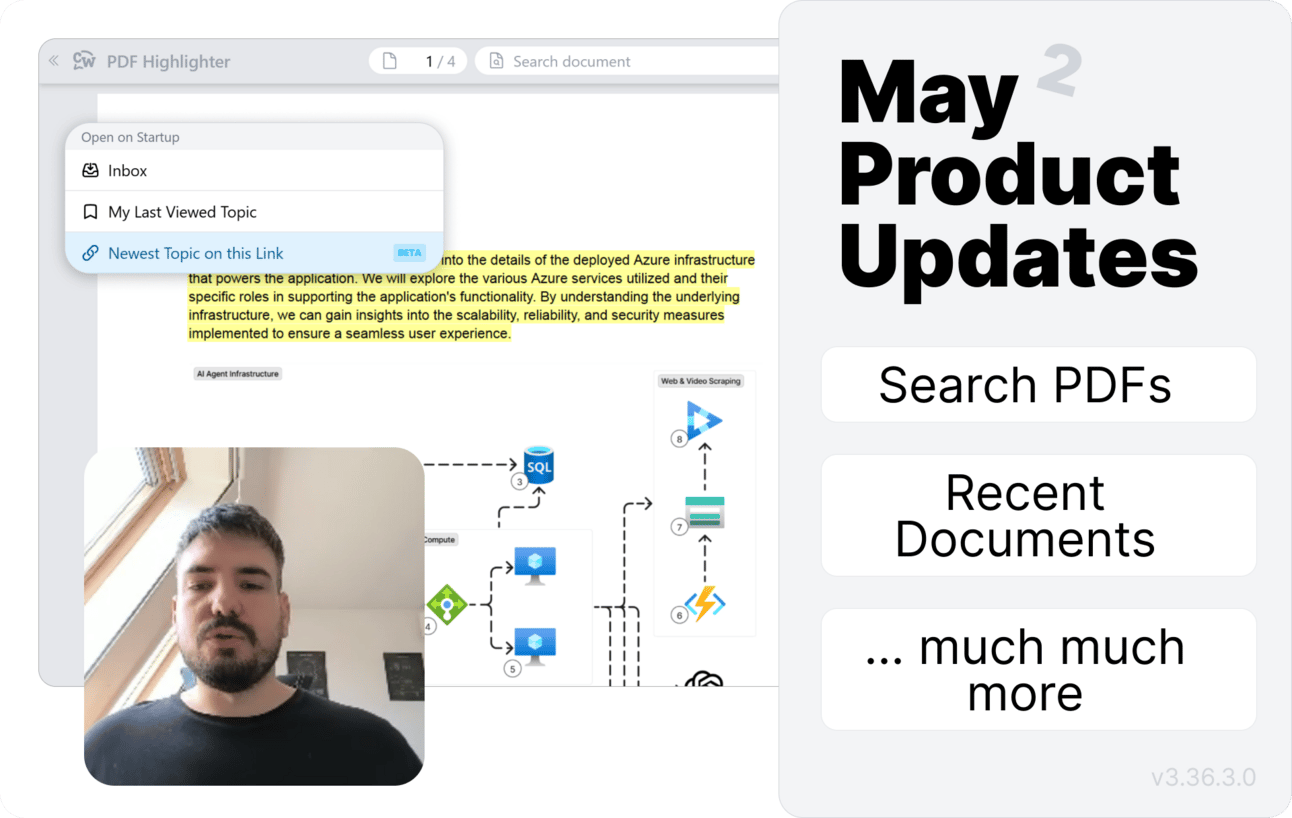
⚙️ Updates at a glance:
🔎 Search in PDFs: Finding what you need in your PDFs just got way easier. You can now search inside any PDF you’ve uploaded to Collabwriting! Quickly find the info you’re looking for - and save it as a note in one click.
📑 Recent Documents: There’s a new section that gives you more control over your documents.
📁 See all the recent files you’ve worked on - just one click to jump back in.
🗑️ Want to tidy up? You can now delete any uploaded document right from the app.
📣 Quick Add Button in Topics: Adding content to your topics is now super easy! There’s a new button that lets you instantly add PDFs, import Kindle notes or search the web.
🚨 Mention Only: Now you can mention anyone on a snippet - even if they’re not a member of the topic or don’t use Collabwriting yet. They’ll get an email with your comment and the snippet info, so they’re always in the loop!
⏩ Open On Startup: We love making your workflow smoother! Now you can choose what opens by default when you launch the Collabwriting extension. Pick what works best for you - and jump into your notes faster!
These are just the highlights, check the changelog for the full list.
Thanks so much for your support ❤️
And as always, if you have any suggestions, ideas, feedback, or just want to say hi - we’re all ears. 🐰
Take care,
Ivan